
pillar · thermal-printing
How POS Systems Print Receipts
Quick answer
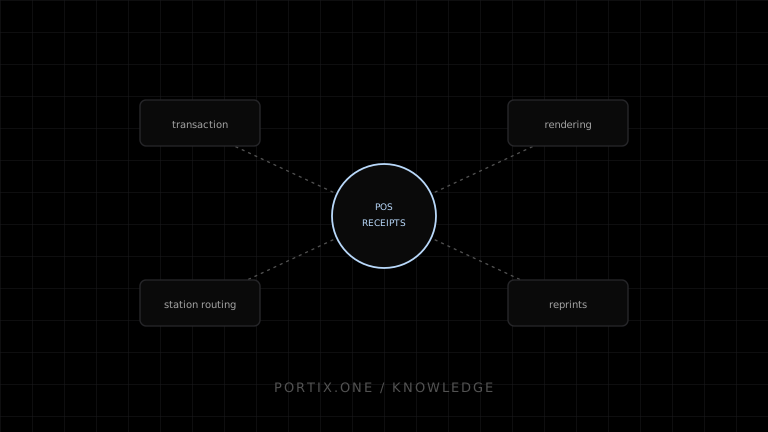
A POS system closes a transaction, builds a receipt document from that transaction, resolves which station and printer should output it, sends the job through a browser, native, or local-runtime path, and confirms or retries. Reliable POS printing depends on idempotent jobs, explicit station routing, and a defined reprint flow, not just a successful print call.
A receipt is the last visible step of a transaction, but printing it reliably requires more than calling a print function after checkout.
The end-to-end pipeline
- Cart and pricing are finalized.
- Payment is authorized and recorded.
- The transaction is committed as the source of truth.
- A receipt document is built from that committed transaction, not from in-memory cart state.
- The system resolves which station and printer should receive it.
- A print job is submitted through a browser, native, or local-runtime path.
- The job’s outcome is observed and recorded.
- Failures trigger a defined retry, reroute, or manual fallback.
- Reprints reference the original transaction rather than regenerating a new one.
What belongs on a receipt
Line items, taxes, totals, payment method, change due, timestamps, transaction identifiers, and any required legal or fiscal text belong on the receipt. This content should be derived deterministically from the committed transaction so a reprint is always identical to the original.
Browser versus operational printing
A browser print dialog is often acceptable for a single front-of-house register with an attended operator. Kitchen, label, or unattended checkout stations typically need fixed-destination, low-friction output that does not depend on a person clicking through a system dialog for every order.
Receipt printers and commands
Most receipt printers accept either rendered output through an operating-system driver or raw command bytes for tighter control over layout, cutting, and cash-drawer pulses. The choice affects formatting flexibility, print speed, and how much the application must know about the specific printer model.
Job reliability
const jobId = `receipt:${transactionId}:${attempt}`;
Deriving the job identifier from the transaction and attempt number lets the system detect and collapse duplicate submissions instead of printing the same receipt twice after a retry.
Restaurant and retail differences
Retail typically routes one receipt to one register printer. Restaurants often route multiple documents — a guest receipt, one or more kitchen tickets, and sometimes a bar or expo ticket — to different stations from a single order, which makes station routing a first-class concern rather than an afterthought.
Failure map
Related content
guide
How to Build a Restaurant POS
Design a restaurant POS that coordinates orders, kitchen tickets, payments, receipts, retries, and offline operation without duplicating prints.
guide
How to Build a Retail POS
Plan a retail POS with durable transactions, barcode input, receipt printing, returns, cash-drawer controls, and offline recovery.
troubleshooting
Cash Drawer Won't Open
Diagnose cash-drawer failures involving wiring, printer ports, pulse commands, power, permissions, events, and mechanical locks.
troubleshooting
Printer Not Found
Troubleshoot a missing printer across power, connection, operating-system queues, drivers, runtime discovery, identity, and permissions.