
pillar · printing-infrastructure
Silent Printing in Modern Browsers
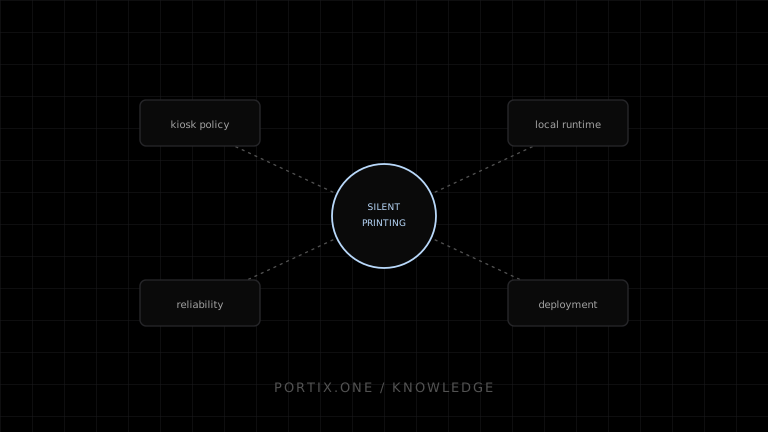
Quick answer
Modern browsers do not allow a web page to print silently to an arbitrary printer without user interaction, by design. Unattended printing requires either a managed kiosk browser policy or a locally installed runtime that a web page connects to over a secured channel. Any such design must define origin trust, authentication, and failure behavior before it can be relied on operationally.
Silent printing means output reaches a printer without a user confirming a dialog for each job. Browsers restrict this deliberately.
Why the dialog exists
An arbitrary web page silently sending jobs to any printer it likes is a real abuse and privacy risk — paper waste, unwanted output, and information disclosure through a device the page shouldn’t be able to reach unprompted. The print dialog is a deliberate consent checkpoint, not an oversight.
Architecture options
| Option | How it works | Fit |
|---|---|---|
| Managed kiosk browser policy | Administrator-configured browser flags force silent printing to a fixed printer | Locked-down, single-purpose devices under IT control |
| Local printing runtime | Installed software exposes a local endpoint the page connects to with authorization | Web applications that need operational printing without a fully native rebuild |
| Native or Electron application | The application itself has OS-level printing access | Teams already shipping a native or Electron client |
Secure local-runtime design
type AuthorizedPrintRequest = {
  origin: string;
  sessionToken: string;
  printerId: string;
  jobId: string;
};
A secure design authenticates the requesting origin and session, resolves a specific authorized printer rather than trusting a client-supplied destination blindly, and rejects anything that doesn’t match a known, revocable authorization.
Reliability under silence
Because there is no user watching a dialog, the application must supply its own feedback loop: job status events, retry policy, and a visible operator-facing indicator when a station goes offline. Silent does not mean unmonitored.
Deployment questions
Silent printing infrastructure needs answers to installation method, update cadence, certificate or token rotation, behavior when the runtime is missing or outdated, and what a non-technical operator sees when something fails.
Portix publication gate
Portix installation, pairing, origin policy, authentication, supported formats, routing, status semantics, offline behavior, update channel, logs, and licensing aren’t documented yet. No silent-printing claim about Portix specifically should be published without those sources and hands-on tests.
Troubleshooting map
References
- Window.print() — MDN, accessed Jul 21, 2026
Related content
concept
Browser Printing Security
Learn the trust boundaries, threats, privacy risks, and practical controls involved when a website prints through a browser or a local printing integration.
concept
What Is Silent Printing?
Learn what silent printing means, why normal browsers require confirmation, and how trusted kiosks, local runtimes, native apps, and managed services enable it safely.
troubleshooting
Browser Print Dialog Always Opens
Understand why the browser print dialog opens and choose a safe printing path when a workflow requires unattended output.
troubleshooting
Printing Runtime Disconnected
Recover from a disconnected local printing runtime without losing jobs or creating duplicate receipts and labels.